
Download ZArchiver Donate – file compression, archive management, file extraction, ZIP, 7ZIP, RAR, password-protected archives, multi-part archives, file manager
Overview
ZArchiver Donate is a file management utility designed for users who need to create, open, and manage archive files across multiple formats. Built for Android, it serves as the Pro version of the widely-used ZArchiver, offering enhanced functionality while maintaining the core capabilities of its free counterpart. The software enables users to compress files into formats such as ZIP, 7ZIP, RAR, TAR, GZ, BZ2, XZ, LZ4, ZSTD, and more, while also supporting extraction of these and additional formats including ISO and WIM. It caters to both casual users and professionals who frequently handle large or complex file sets, particularly those working with compressed data, backups, or shared digital content.
The app is developed by ZDevs, a team known for creating accessible, feature-rich tools without relying on intrusive ads. ZArchiver Donate functions as a donation-based upgrade, allowing users to support ongoing development while gaining access to premium features. Real-world use cases include organizing project files, transferring large datasets across devices, extracting software installers, and managing encrypted archives. Its ability to handle password-protected archives, multi-part archives, and files from email applications makes it a versatile tool for daily file operations. While the developer did not provide additional system requirements, the app’s lightweight nature suggests broad compatibility with modern Android devices.
Key Features & Capabilities
- Multi-format Archive Support – Create and extract archives in ZIP, 7ZIP, RAR, TAR, GZ, BZ2, XZ, LZ4, ZSTD, ISO, and WIM formats, enabling seamless file management across diverse environments.
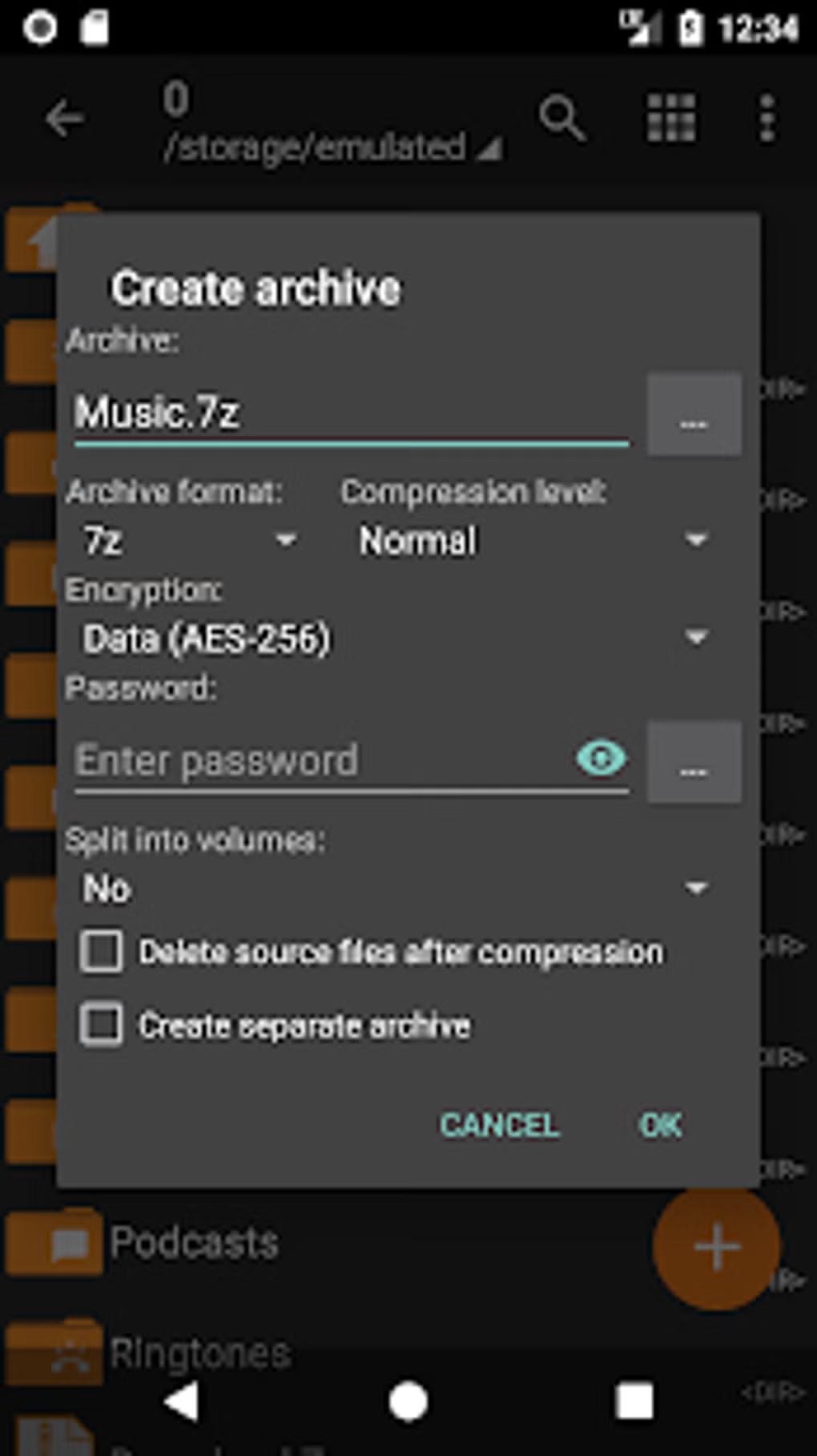
- Password Protection – Secure archives with strong encryption, ensuring sensitive data remains protected during storage or transfer.
- Multi-part Archive Handling – Split large archives into smaller segments for easier sharing via email or cloud services, and reconstruct them seamlessly.
- Image Previews – View thumbnails of images directly within archives without extracting them, improving workflow efficiency.
- Light and Dark Themes – Customize the interface appearance to suit user preferences and reduce eye strain in different lighting conditions.
- Password Storage – Safely store and manage passwords for frequently used archives, reducing the need for repeated input.
- File Editing in Archives – Modify files directly inside archives, such as replacing or deleting entries, without full extraction.
- UTF-8/UTF-16 Support – Preserve non-English characters in file names, supporting international users and multilingual workflows.
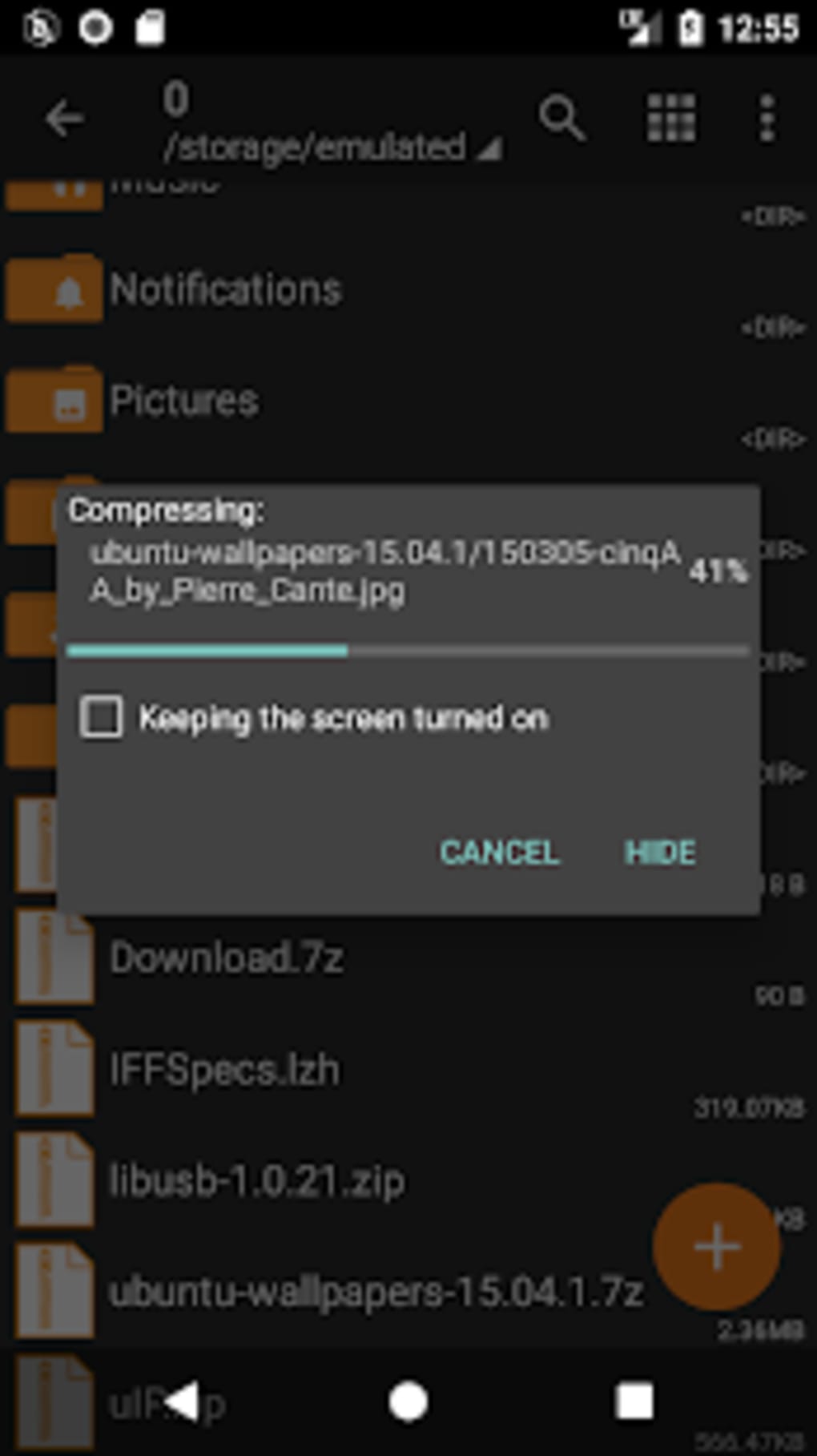
- Multi-threading – Accelerate compression and extraction processes by utilizing multiple CPU cores for faster performance.
These features make ZArchiver Donate ideal for users managing large volumes of data, such as developers, content creators, and IT professionals. For example, a user can compress a project folder into a password-protected 7ZIP file, split it into parts for email attachment, and later extract it on another device with full integrity. The ability to preview images within archives saves time during content review, while file editing allows quick fixes without full decompression.
User Interface, Workflow & Performance
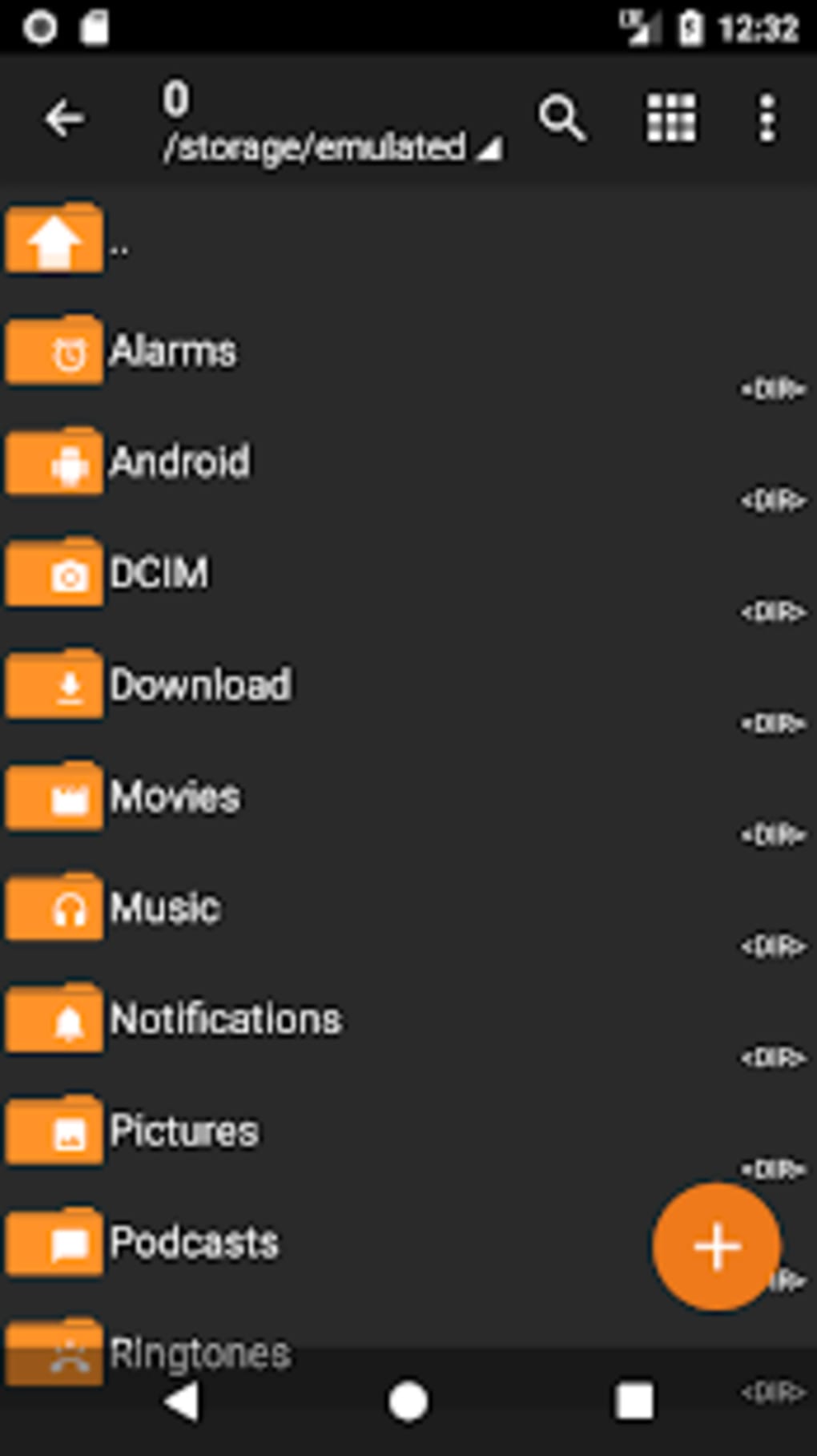
The user interface of ZArchiver Donate follows a clean, intuitive layout typical of file management tools. Navigation is structured around a central file browser with clear access to archive creation, extraction, and settings. Menus are context-sensitive, allowing users to perform actions like adding, removing, or renaming files within archives directly from the interface. The workflow is streamlined for common tasks, such as selecting multiple files, compressing them into a single archive, and applying encryption in just a few taps.
Performance observations are based on general software behavior patterns. The app leverages multi-threading to improve speed during compression and extraction, which benefits users working with large files. However, the developer did not specify resource usage details, so actual CPU and RAM behavior may vary depending on device capabilities and archive size.
Stability appears consistent with the free version, which has been widely used without reported crashes. The lack of an in-app tutorial may pose a challenge for first-time users, though external documentation and community guides are available online. Overall, the interface prioritizes functionality over visual flair, making it efficient for power users.
Compatibility & System Requirements
ZArchiver Donate is designed for Android operating systems. The current version is 2.20.2, with a file size of 25.8 MB, indicating a lightweight installation that requires minimal storage space. The developer did not specify exact system requirements, including minimum Android version or hardware specifications.
As such, compatibility information is limited to the platform itself. Users should ensure their device runs a modern Android version to avoid potential issues. The app does not require a constant internet connection, making it suitable for offline use.
Installation is straightforward, and the app integrates well with standard file managers and email clients.
Pros and Cons
Pros
- Supports a wide range of archive formats including ZIP, 7ZIP, RAR, and ISO.
- Offers advanced features like password storage and image previews in the Pro version.
- Lightweight at only 25.8 MB, ideal for devices with limited storage.
- Enables multi-part archive creation and extraction for easier file sharing.
- Provides dark and light theme options for improved visual comfort.
- Allows direct file editing within archives, increasing workflow efficiency.
- Supports international characters in file names via UTF-8/UTF-16 encoding.
- Multi-threading enhances compression and extraction speed.
Cons
- Missing in-app tutorial or comprehensive help section for beginners.
- Exact system requirements were not listed by the developer.
- Price of $1.99 may be considered high for a tool with limited additional features beyond the free version.
- No official update frequency or changelog provided.
- Interface may feel outdated compared to modern Android apps.
FAQ Section
Is ZArchiver Donate available for iOS?
ZArchiver Donate is currently available only for Android devices. There is no official version for iOS platforms.
Can I use ZArchiver Donate offline?
Yes, the app functions fully offline. No internet connection is required for archive creation, extraction, or management.
Is the app secure and safe to download?
ZArchiver Donate is developed by ZDevs and distributed through official Android channels. It does not contain ads or malware, but users should always download from trusted sources.
Does the app support automatic updates?
Updates are delivered through the Google Play Store. Users must manually enable auto-updates or check for updates manually.
What is the difference between ZArchiver and ZArchiver Donate?
ZArchiver Donate includes all features of the free version, plus additional tools like dark mode, password storage, image previews, and file editing. It also serves as a donation option to support the developer’s work.
Final Thoughts + CTA
ZArchiver Donate stands out as a powerful, lightweight tool for managing archive files on Android. While it shares most features with the free version, the inclusion of premium enhancements such as image previews, password storage, and file editing makes it a worthwhile upgrade for regular users. Its support for multiple formats, encryption, and multi-part archives ensures broad utility across personal and professional workflows.
The lack of an in-app tutorial may hinder new users, but the app’s functionality and performance remain strong. For those who value file compression, security, and efficiency, ZArchiver Donate delivers excellent value. It’s a secure, reliable, and well-designed utility that supports both power users and those seeking a more polished experience.
Download ZArchiver Donate now.





.png)

